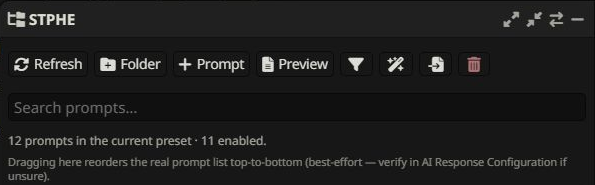
STPHE
STPHE Find the state that disagrees.
The panel or prompt list is missing
Confirm the extension is enabled, select Chat Completion, open AI Response Configuration, and press Refresh. Reload after updating extension files. Keep only one installation of STPHE / Prompt Folders.
Large folders feel slow
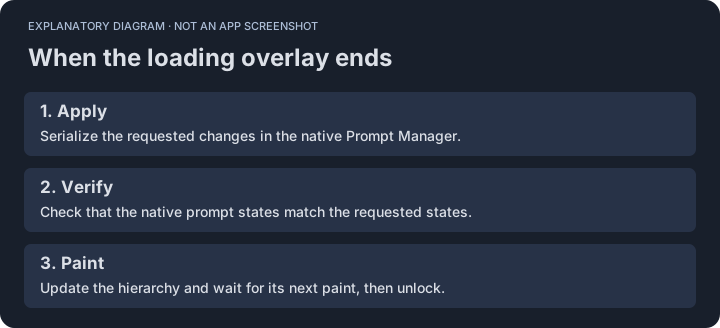
Loading should remain active until native verification and the tree paint finish. STPHE patches value changes in existing rows rather than rebuilding every selector. Context calculation and the native Prompt Manager can still be expensive. The 500-prompt test took roughly 2.7 seconds per toggle including browser-tool overhead; this is not a speed guarantee.
A saved name looks stale
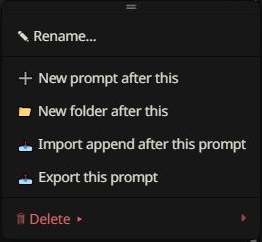
Save in the native editor, then check both lists. Current STPHE reads the updated native model and observes native text/list changes. If an older copy remains loaded, reload the page. Record your SillyTavern version and whether the native name or only the STPHE name is stale.
Where are preset groups?
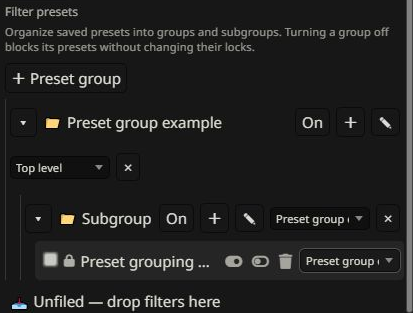
Open Filter, scroll to Filter presets, then choose + Preset group. Chat filter presets appear when Match against is Chat. Auto Filter has its own independent group list.
An Auto Filter does not run
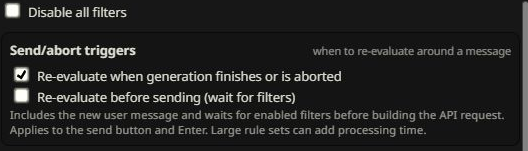
- Check the master switch, rule checkbox, ancestor groups, and independent Auto Filter exclusions.
- Check chat depth and whether the trigger is still within that range.
- Use Re-evaluate now and inspect later rules that may reverse the effect.
- Check invalid regular expressions and whether the selected targets still exist.
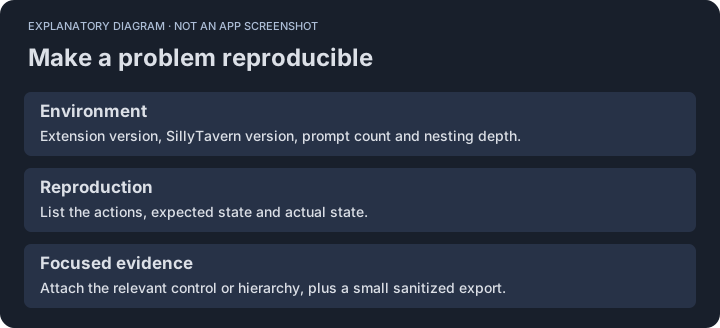
Report a reproducible problem
Include extension and SillyTavern versions, prompt/folder counts, nesting depth, reproduction steps, expected state, actual state, and a screenshot. A small sanitized export helps reproduce structural problems without sharing private prompts.